Text to Speech Overview
Read. Listen. Or switch seamlessly between the two.
Text to Speech lets you listen to your books in BookFusion instead of only reading them on screen. Turn any supported book into a listening experience that works well for reading on the go, multitasking, accessibility needs, language learning, or simply giving your eyes a break.
BookFusion supports two listening experiences:
- Standard Text to Speech — uses the voices already available on your device or browser.
- Realistic Voices — a more natural-sounding listening experience powered by newer voice models.
If you're new to listening in BookFusion, start with Standard Text to Speech. For a more immersive, natural voice, see Realistic Voices Overview.
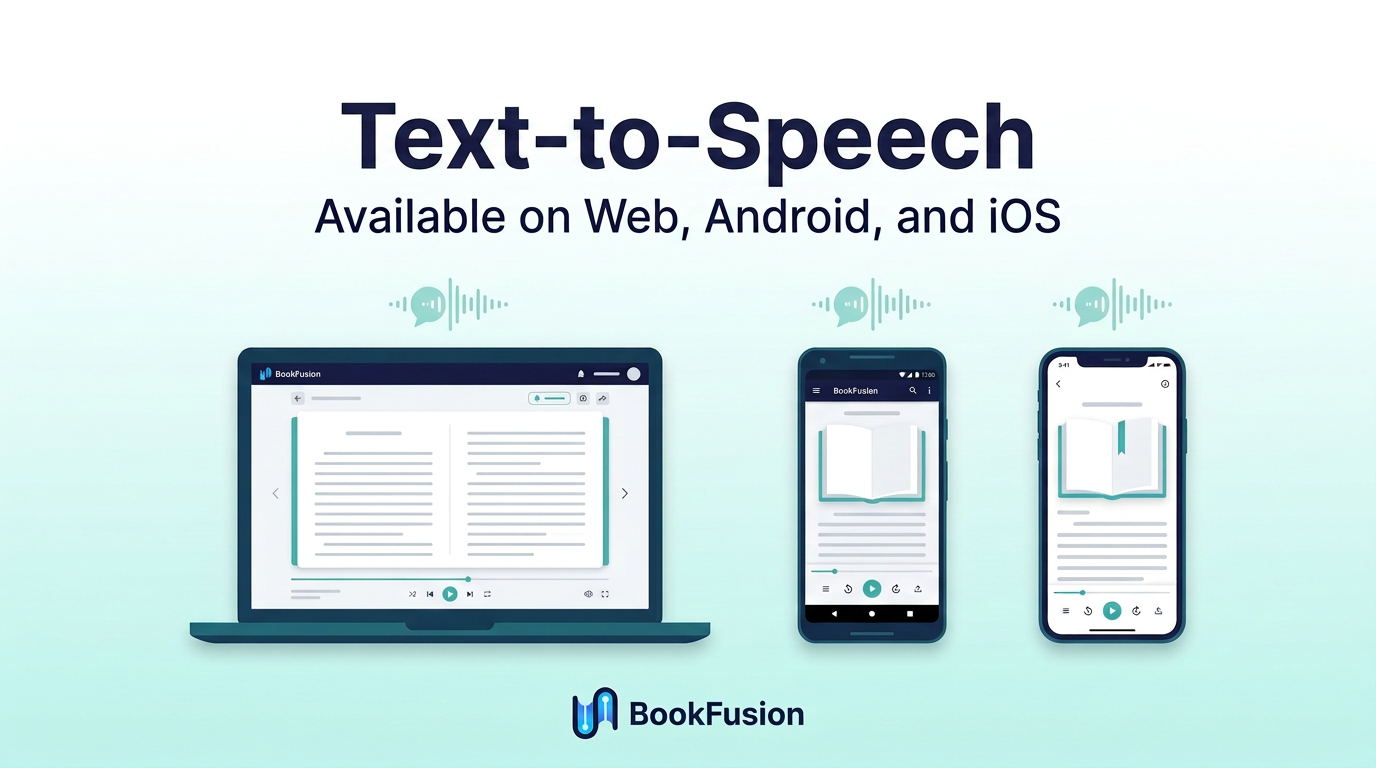
What you can do with Text to Speech
Depending on your device and setup, Text to Speech lets you:
- Play and pause narration.
- Move backward and forward while listening.
- Adjust playback speed.
- Resume where you left off.
- Choose from available voices.
- Listen while doing other tasks.
Where you can use Text to Speech
Text to Speech is available across supported BookFusion platforms. For device-specific instructions, see:
- Mobile (Android & iOS)
- Web
- BookFusion Voice (Android neural TTS engine)
Standard Text to Speech
Standard Text to Speech uses the voices already available through your operating system, browser, or device settings. It's the quickest way to start listening without changing your setup.
Use Standard Text to Speech when you want to:
- Start listening right away.
- Use voices already installed on your device.
- Listen with basic playback controls.
- Switch between reading and listening quickly.
Realistic Voices
Realistic Voices provide a more natural and immersive listening experience than Standard Text to Speech. When available on your plan and device, Realistic Voices feel closer to professionally narrated audio.
To learn more, see Realistic Voices Overview.
When to use Standard TTS vs Realistic Voices
Use Standard Text to Speech when you want the fastest setup and access to the voices already available on your device.
Use Realistic Voices when you want more natural speech and a richer listening experience.
If you're not sure which option is available to you, see Access and Plans.