Calibre Integration
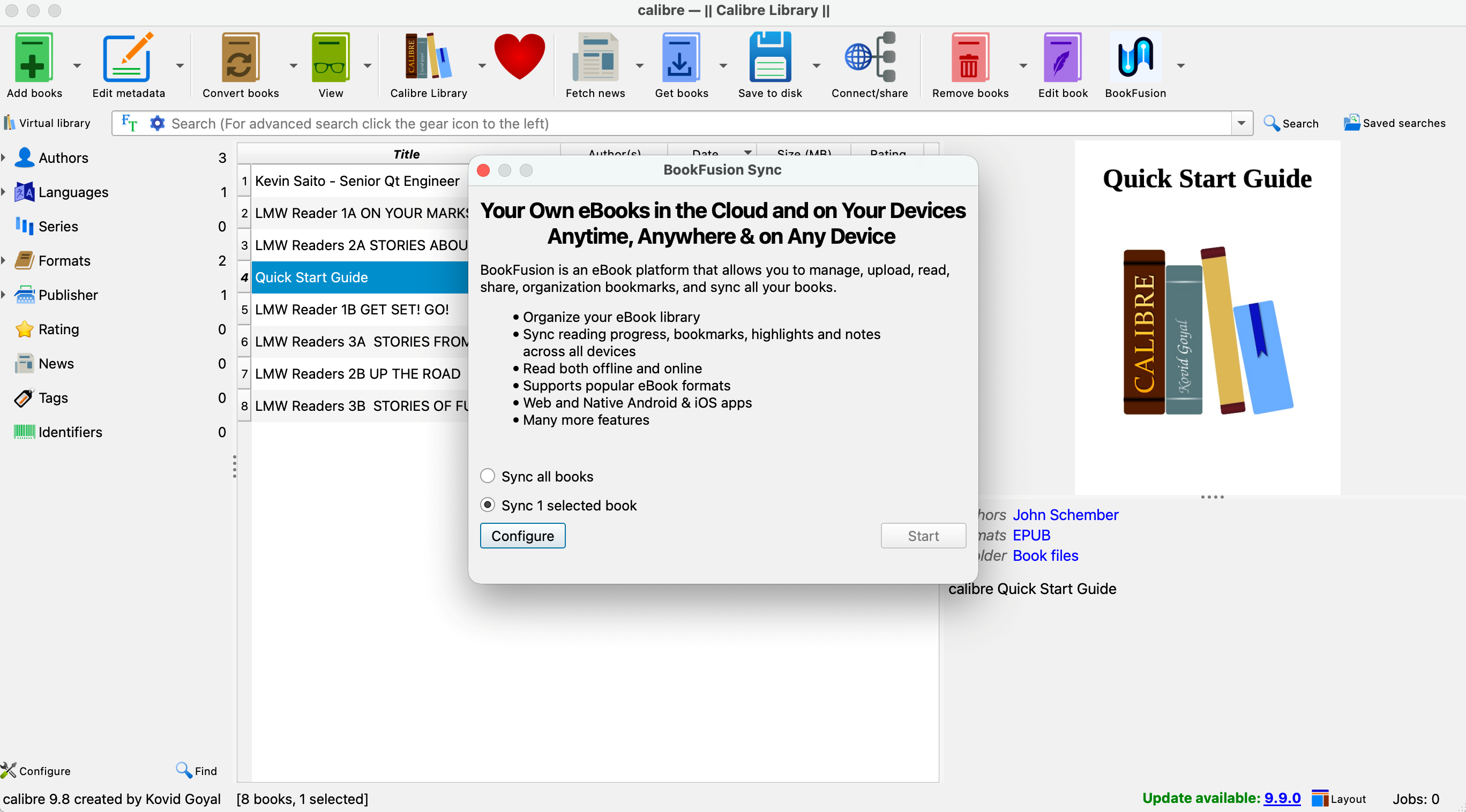
What is Calibre?
Calibre is a free, open-source eBook management application used by millions of readers to organize, convert, and manage their personal libraries. BookFusion's official Calibre plugin bridges your desktop collection with the cloud, so you never have to manually upload books again.
Jump straight to the plugin setup guide — it takes less than 5 minutes to configure.
How It Works
Your Calibre Library → BookFusion Plugin → BookFusion Cloud → All Your Devices
The plugin runs inside Calibre and communicates with your BookFusion account via a secure API key. When you trigger a sync, it uploads new or updated books and metadata — keeping everything consistent across web, iOS, and Android.
Key Benefits
| Feature | Details |
|---|---|
| 📚 Bulk sync | Upload your entire Calibre library in one click |
| 🔄 Two-way progress sync | Reading position updates across all devices |
| 🖊️ Highlights & annotations | Preserved and accessible everywhere |
| 🏷️ Metadata preserved | Tags, series, authors, and covers carry over |
| 🔒 Secure | Uses your personal API key — no password sharing |
Requirements
Before getting started, make sure you have:
- Calibre 5.0 or later installed on your computer (download here)
- A BookFusion account (free or paid)
- Your BookFusion API key (found in your account settings)
Available Guides
🔌 Installing & Using the BookFusion Plugin for Calibre
Set up the Calibre plugin, configure your API key, and start syncing your library.
🏷️ Using a Custom Column to Indicate a Book's Sync Status
Track which books have been synced to BookFusion directly inside Calibre using a dedicated custom column.
📂 Configuring Custom Columns to Sync Bookshelves and Series Info
Map your Calibre custom columns to BookFusion bookshelves and series metadata for a richer, more organized library.
🔁 Syncing eBook Updates to BookFusion
Keep your BookFusion library up to date when you edit or replace books in Calibre — covers, metadata changes, and new file versions included.
Need Help?
If you run into any issues during setup or sync reach out to support@bookfusion.com